Colors#
In the Dead Leaves Model, the color of each object can be sampled from different types of distributions.
The colors are specified via the color_param_distribution dictionary sampling color through a LeafAppearanceSampler.
Different color spaces or sources are supported, as described below.
Gray-scale#
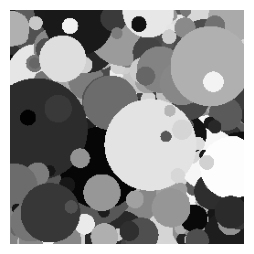
Gray-scale leaves are defined using a single channel, "gray".
You can specify any supported distribution for the gray values. For example, a normal distribution centered at 0.5:
{
    "gray": <distribution>
}
Range: 0 (black) to 1 (white), values sampled outside this range are clipped.
Use case: Simplest and common setup for monochromatic images.
Example
RGB#
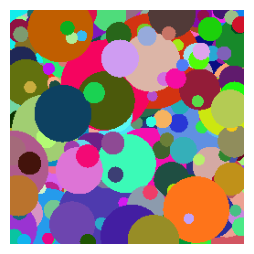
RGB colors are defined using three channels: "R", "G", and "B".
Each channel has its own distribution, allowing for fully random or correlated color sampling:
{
    "R": <distribution>,
    "G": <distribution>,
    "B": <distribution>
}
Range for each channel: 0 to 1
Use case: Full-color images where red, green, and blue components are sampled independently or according to specific distributions.
Example
HSV#
HSV is an alternative color space that can be useful for separating hue from saturation and luminance:
{
    "H": <distribution>,
    "S": <distribution>,
    "V": <distribution>
}
Range for each channel: 0 to 1
Use case: Easily sample colors with controlled hue.
Example
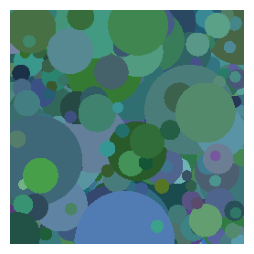
From Image#
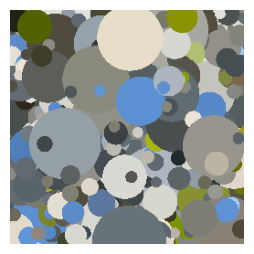
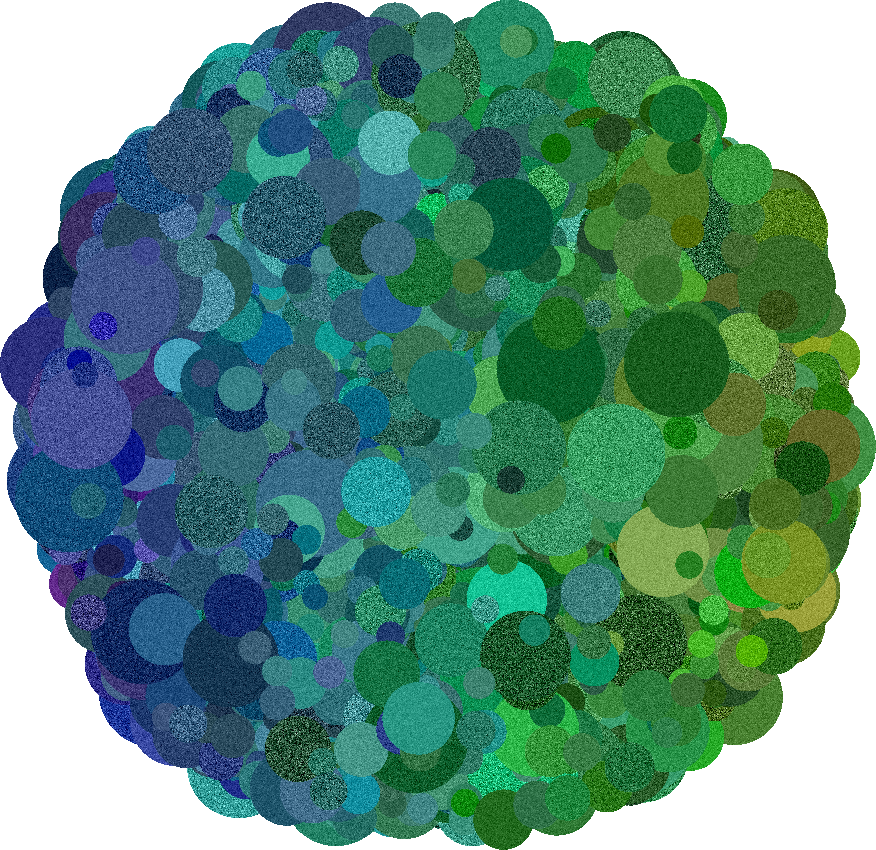
You can also sample colors from an existing image. This allows the Dead Leaves to imitate real color distributions from a source:
{
    "source": {"image": {"dir": <value>}}
}
dir: Path to the folder of images to sample fromUse case: Generate synthetic images that match the palette of a real image.
Example